
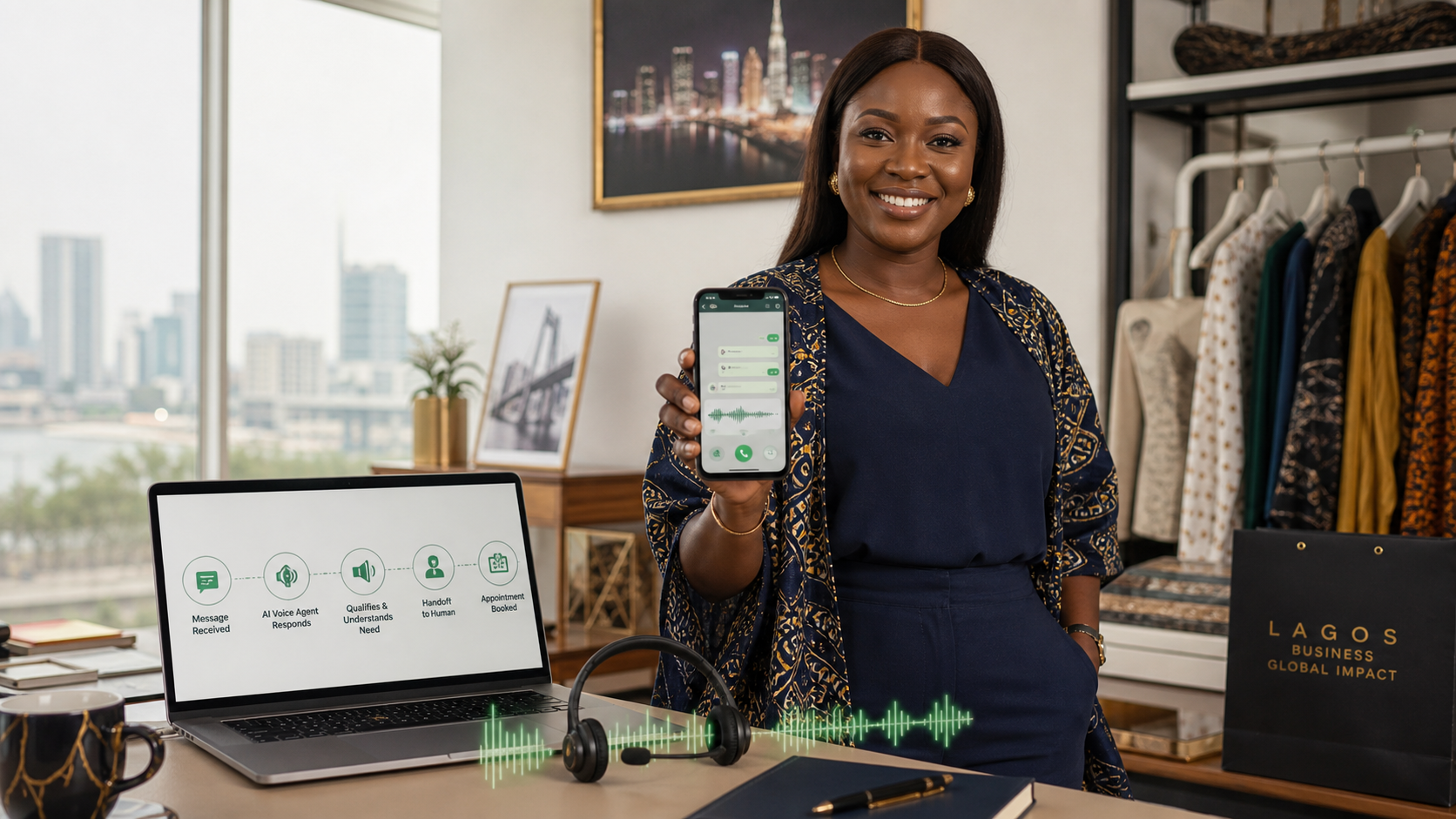
ElevenLabs Agents can connect to a WhatsApp Business account and handle text conversations and calls. With the right configuration, a business can use it to answer approved questions, understand voice notes, qualify leads, send follow-up messages, book the next step and transfer important conversations to a human.
What a WhatsApp AI agent actually is
ElevenLabs can provide the conversational agent layer. WhatsApp provides the business communication channel. The agent is configured with your company's information, tone, rules and tools, then assigned to an eligible WhatsApp Business account.
ElevenLabs' official documentation says the connected agent can handle message conversations and calls. It also explains that the WhatsApp account must be imported, the agent assigned, and calling settings configured in WhatsApp Manager. Read the official ElevenLabs WhatsApp documentation.
What the agent can do on WhatsApp
1. Reply to incoming text messages
The agent can respond to customer questions using your approved business knowledge. That could cover product details, service categories, location, opening hours, delivery information, booking steps, common objections and what the customer should do next.
2. Understand voice notes
Many customers prefer sending a voice note rather than typing a long explanation. ElevenLabs says inbound audio can be transcribed before it is passed to the agent, and the account can be configured to answer with audio or text.
3. Respond with a natural voice
For businesses where voice feels more personal-real estate, education, hospitality, professional services or high-consideration products-a spoken reply can feel more natural than a wall of text. It should still be short, clear and easy for the customer to act on.
4. Qualify leads
The agent can ask the questions your team needs before a human takes over: what the person wants, where they are located, their timeline, preferred option, budget range and the best next step.
5. Send outbound messages
Businesses can start outbound WhatsApp conversations using approved message templates. That is useful for reminders, confirmations, follow-up and re-engagement, but templates, user permissions and WhatsApp rules apply.
6. Handle inbound and outbound calls
ElevenLabs documents inbound calls and outbound calls through the WhatsApp integration. Outbound calling requires the appropriate permission request template and payment setup in WhatsApp Manager.
7. Send messages from another channel
ElevenLabs' WhatsApp tools documentation explains that an agent can send a WhatsApp message even while the conversation began on another channel, such as a phone call. A voice conversation could therefore end with a WhatsApp quote, booking link or confirmation.
8. Personalise the interaction
The integration exposes WhatsApp user and phone-number identifiers that can be used to personalise tools or conversation-start webhooks. That creates room for more relevant routing and follow-up when the underlying business systems are properly connected.
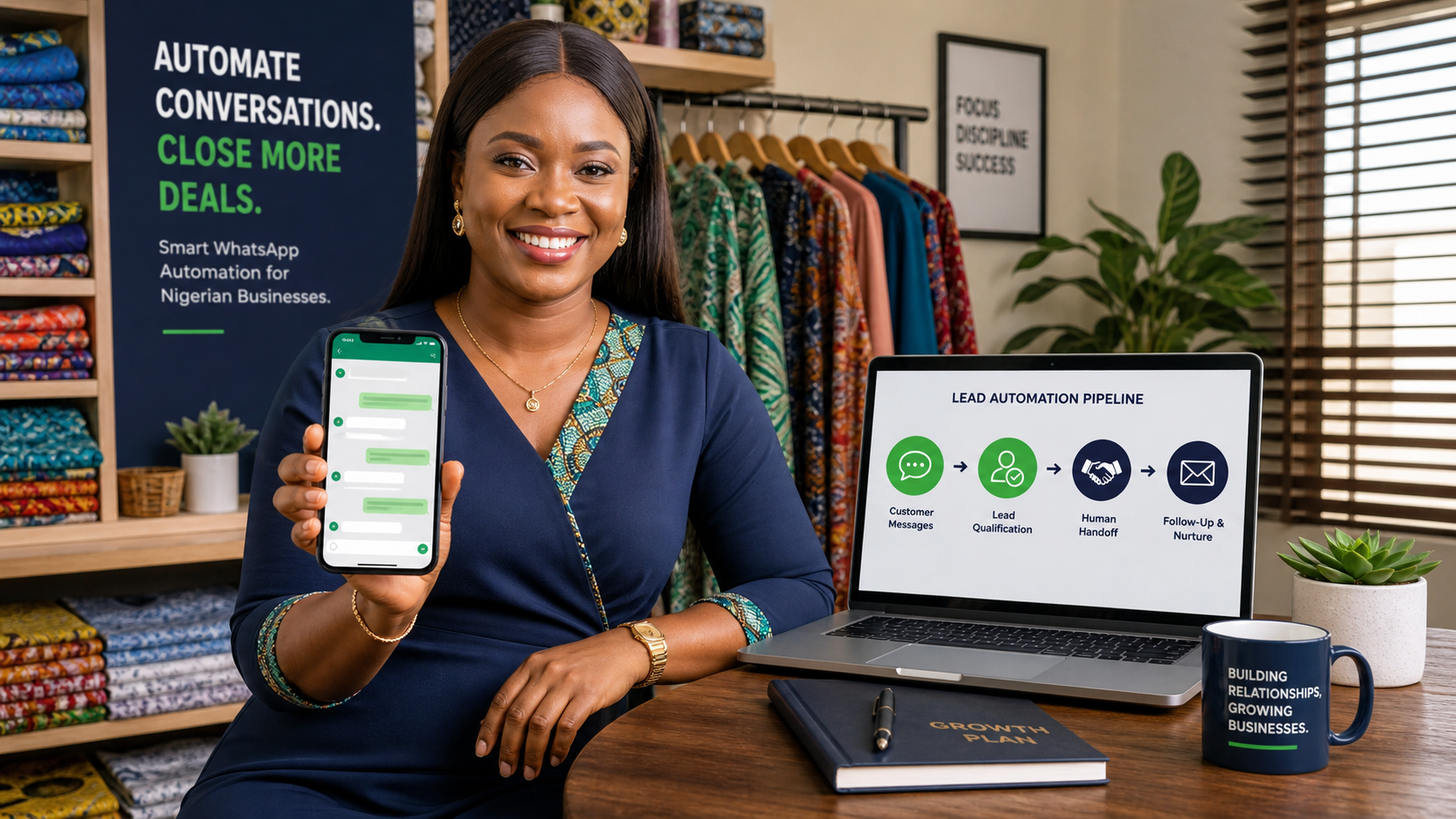
How a Nigerian business could use it
Real estate
The agent can ask about preferred location, property type, budget and timeline, share approved options, and route serious buyers to an agent.
Schools and training businesses
It can answer programme questions, collect the learner's goals, explain application steps and book a call with an admissions team.
Clinics and professional services
It can answer approved administrative questions, collect appointment preferences and escalate anything sensitive to a qualified human. It should not improvise professional advice.
Ecommerce and retail
It can handle product questions, availability checks, delivery information, order follow-up and common objections-provided the connected information is accurate.
Marketing and service companies
It can respond to enquiries, ask for a brief, qualify fit, send the next step and notify the team when a prospect is ready for a strategy conversation.
What it cannot safely do by itself
This is not permission to let an agent say anything, promise anything or negotiate everything. Human handoff is essential for complaints, refunds, sensitive data, medical or legal questions, unusual requests, high-value negotiation, payment disputes and uncertain answers.
You should also avoid pretending that the customer is speaking to a human. Trust matters more than a clever voice. Tell customers when automation is involved and make it easy to reach a person.
Important setup limits to understand
- You need an eligible WhatsApp Business account and must authorise the connection.
- WhatsApp Manager settings must be configured for calling and outbound activity.
- Outbound messages and calls may require approved templates, permission requests and payment.
- If another provider already manages the account, it may not be possible to import it into ElevenLabs at the same time.
- Audio messages can create additional speech-to-text and text-to-speech costs.
- Zero-Retention Mode can restrict some WhatsApp functions, according to ElevenLabs documentation.
How WTB can turn the feature into a business system
The software is only one part of the work. WTB helps you decide what the agent should say, what it should never say, which questions qualify a lead, when a human should take over, how follow-up works, how your existing team receives the information and how success is measured.
We can help with the business knowledge base, conversation design, WhatsApp funnel, lead qualification, human escalation, appointment flow, content, implementation planning and ongoing improvement. The goal is not to replace your relationship with customers. It is to stop good enquiries from disappearing because nobody replied in time.
Get the practical WhatsApp AI guides for Nigerian businesses
Make WhatsApp work harder
Let WTB design the right AI agent for your business.
Tell us what customers ask, where your team gets overwhelmed and what action you want the agent to complete. We will recommend a practical WhatsApp and voice workflow.
Related reading: how Nigerian businesses can automate WhatsApp leads and what an AI agent can do for a business.